Notify. Support. Sell.
All in WhatsApp.
WOCOM365 WhatsApp Business API lets you send order updates and reminders, run two-way conversational support, and sell through WhatsApp commerce — all in the one app your customers already have open, with a verified green tick and full CRM integration.
The official way to run WhatsApp at business scale
The WhatsApp Business API is Meta's official platform for businesses to send and receive WhatsApp messages programmatically, at a scale and with a team size the free WhatsApp Business app was never built for. Instead of one phone with one person replying, it lets dozens of agents, chatbots and backend systems all message customers from a single verified business number.
Getting set up involves business verification with Meta — which is where the recognisable green tick badge comes from — and approval of message templates for anything sent outside an active 24-hour conversation, such as an OTP, an order update, or a payment reminder. WOCOM365 manages this verification and template approval process on your behalf as part of onboarding.
Once live, a single WhatsApp number becomes a genuine multi-purpose channel: notifications that actually get opened, two-way support conversations with a full history, an AI chatbot that handles routine questions, and a WhatsApp storefront customers can buy from without ever leaving the chat.
One number, three jobs your customers already expect
Run all three from the same verified WhatsApp number and conversation history.
Notifications & Alerts
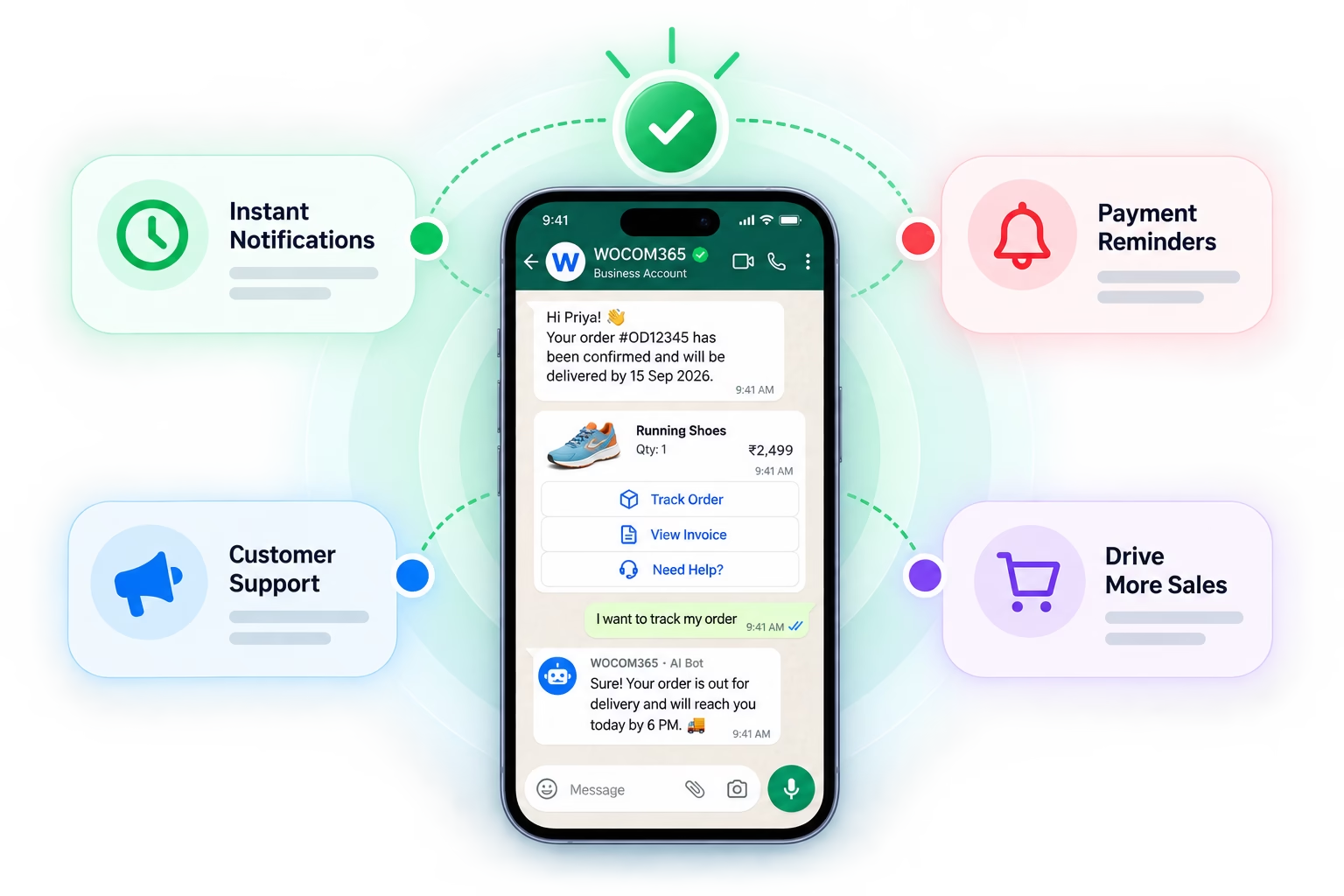
Order confirmations, OTPs, appointment reminders and delivery updates sent as approved template messages, read almost as soon as they land.
Conversational Support
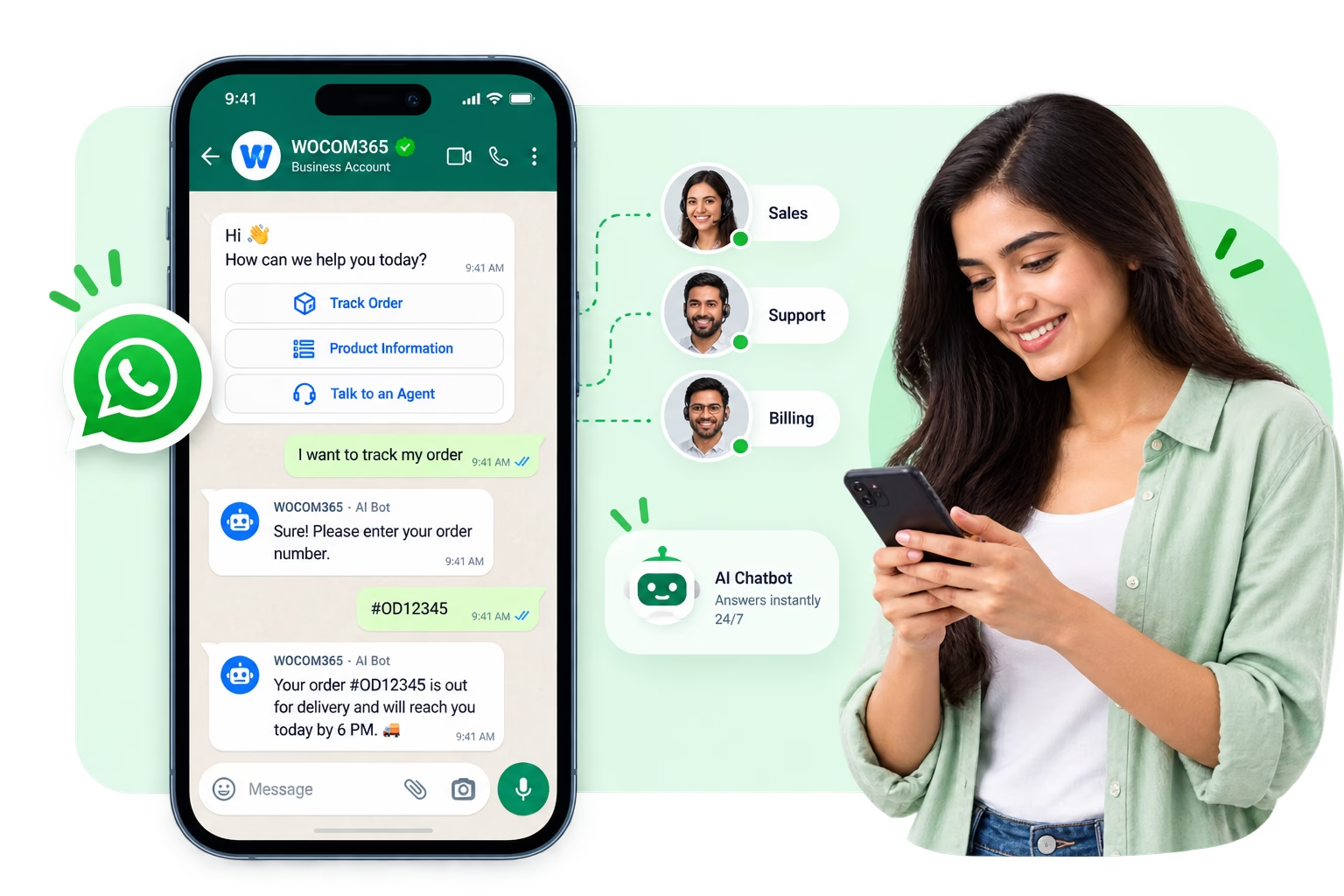
Two-way live chat with a multi-agent inbox and AI chatbot handling routine questions, all within the same customer thread.
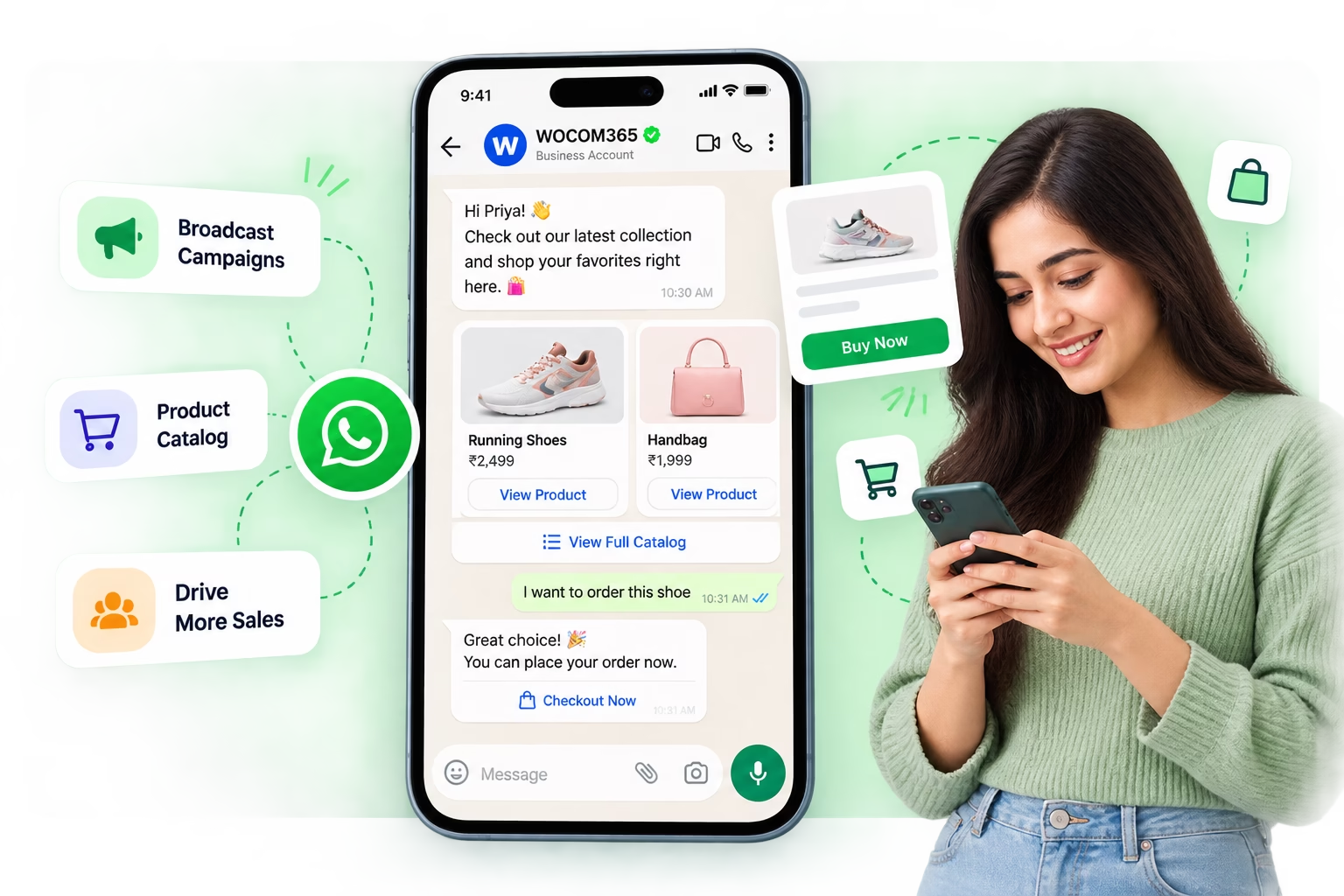
Marketing & Commerce
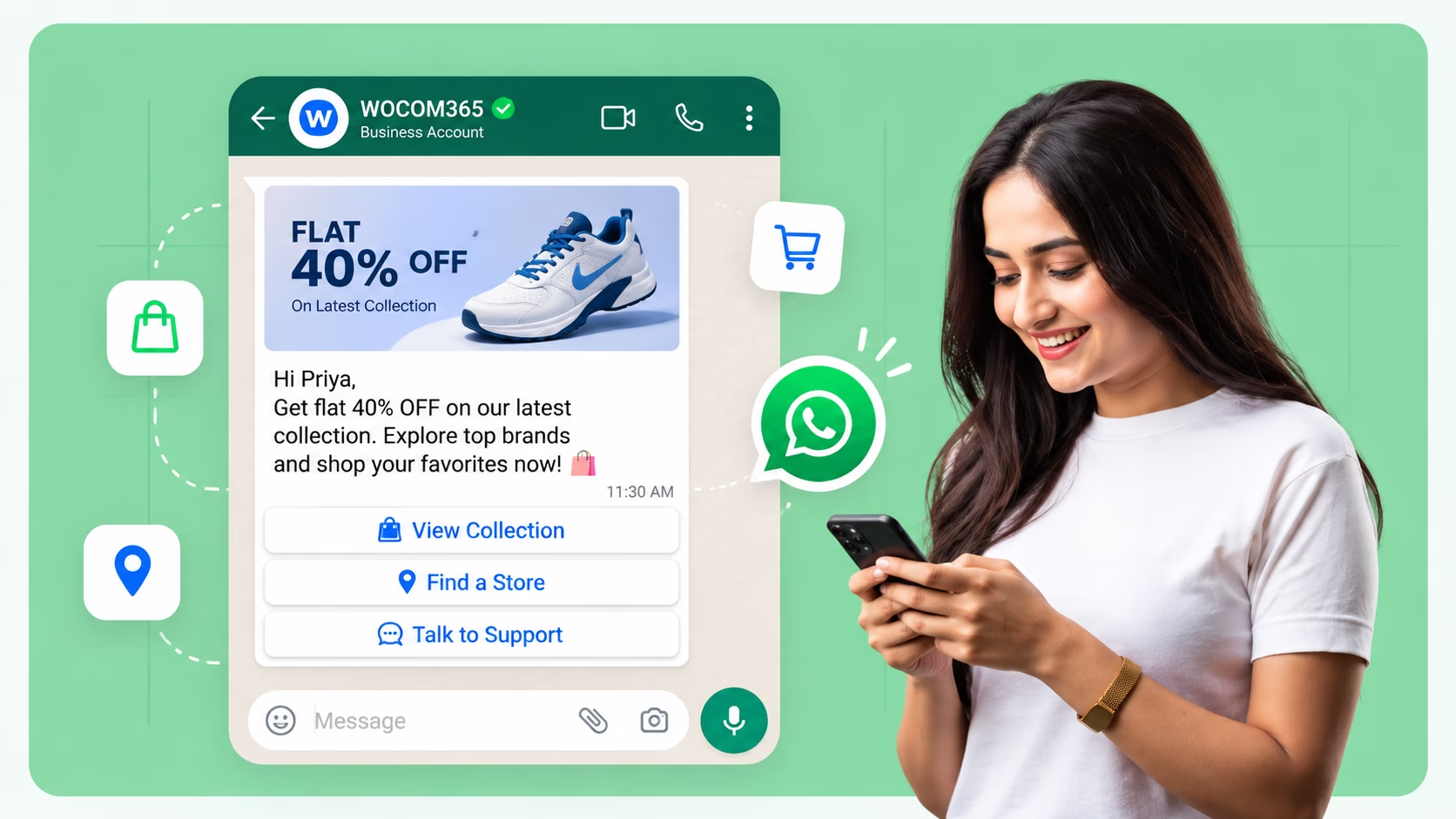
Broadcast campaigns to opted-in customers, share a product catalog, and let customers browse and buy inside the chat.
From verified number to live conversations
WOCOM365 handles the Meta onboarding and template approvals, so you can focus on the conversations.
Get verified & onboarded
WOCOM365 manages Meta business verification and green tick approval for your account.
Templates approved
Message templates for notifications and alerts are submitted and approved by Meta.
Messages sent & received
Triggered from your systems via API, or sent live by agents and chatbots via the inbox.
Tracked in real time
Delivery, read receipts and replies flow into your dashboard and CRM automatically.
Everything a WhatsApp channel needs to actually scale
Green Tick Verification
Managed business verification with Meta, giving customers visible confirmation they're messaging the real you.
Template Message Library
Create, submit and manage approved templates for notifications, alerts and reminders in one place.
Rich Media Messages
Send images, PDFs, videos, location pins, quick-reply buttons and interactive lists, not just plain text.
AI Chatbot Integration
Automate answers to routine questions, with seamless handoff to a live agent when needed.
Multi-Agent Inbox
Route conversations to the right team or agent, with shared visibility and no double replies.
Delivery & Read Analytics
Track sent, delivered, read and replied status for every message and campaign in real time.
The channel your customers already have open
Messages that get read, not left unopened
WhatsApp messages are typically opened within minutes, far faster and more consistently than email and often ahead of SMS, simply because it's the app people check most throughout the day. For anything time-sensitive — an OTP, a delivery update, a payment reminder — that gap matters.
- Read receipts confirm exactly when a message lands
- No spam folder or app notification to miss
- Rich media makes messages easier to act on immediately
Notifications, support and sales in a single conversation
Instead of an OTP over SMS, support over email, and offers over an app notification, WhatsApp lets all three live in one ongoing thread with a customer. That continuity means an agent picking up a support chat can see the delivery update and the original order in the same place — no switching tools, no repeating context.
- Full conversation history in one thread per customer
- Fewer channels for customers to remember or check
- Lower cost per meaningful conversation than juggling channels
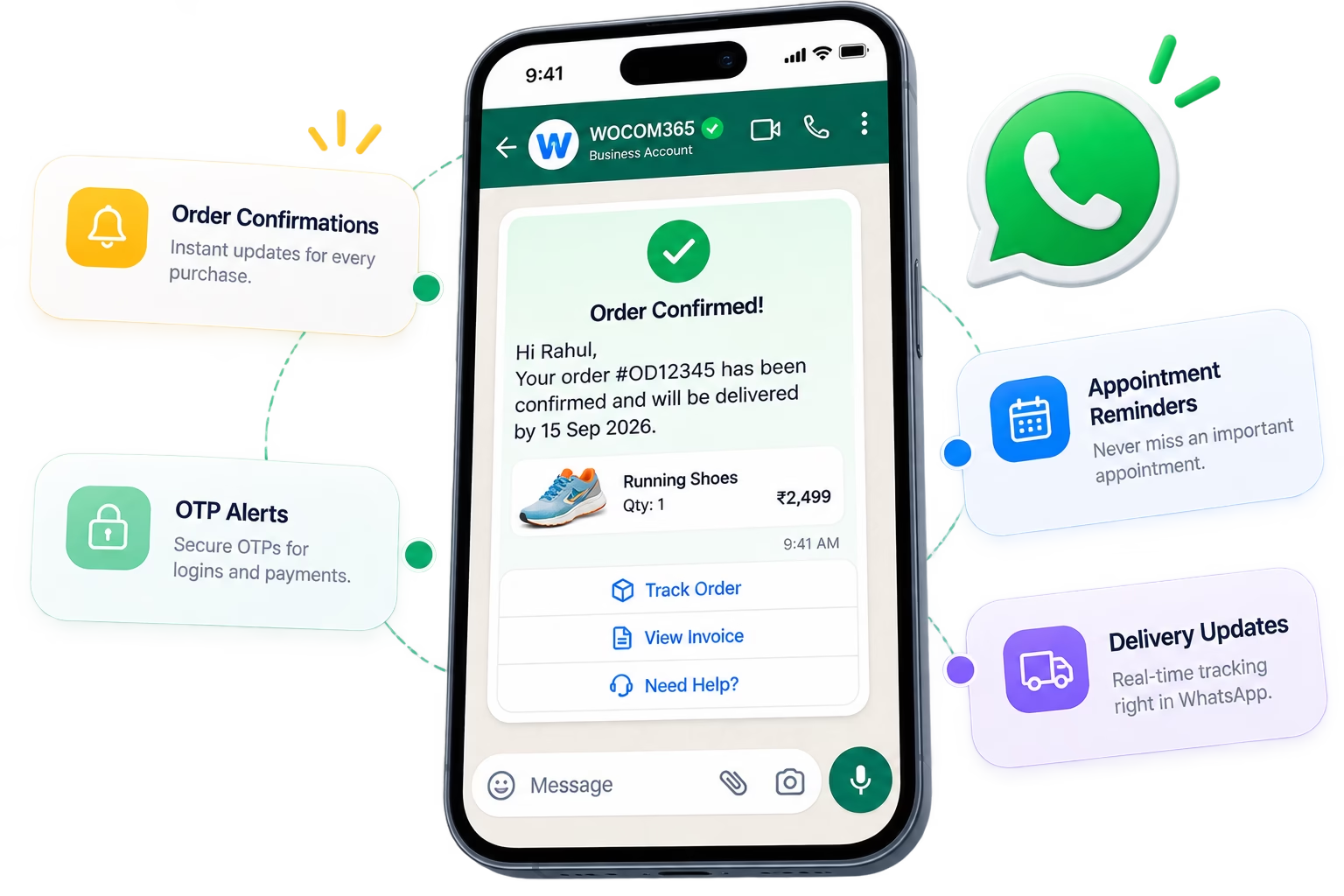
Anywhere a conversation drives the outcome
From an order update to a loan enquiry, WhatsApp API earns its place wherever customers expect a real, responsive conversation.
E-Commerce
BFSI
Healthcare
Real Estate
Logistics
Works with the tools your team already uses
Every WhatsApp conversation flows into your CRM alongside Voice, SMS and RCS, for one connected customer view.
- CRM conversation sync & lead updates
- Unified timeline with Voice, SMS & RCS
- API & webhook support for custom stacks

How WhatsApp compares as a customer channel
Email still have their place — but for read rates, richness and two-way conversation, WhatsApp is hard to match.
| Capability | WhatsApp API | |
|---|---|---|
| Typical open rate | ~90% | ~20% |
| Rich media & buttons | No | Limited |
| True two-way conversation | Limited | Slow |
| Delivery & read receipts | Delivery only | Rarely |
| In-chat commerce | No | No |
| Verified sender identity | Sender ID | Domain-based |
Conversations that turned into outcomes
E-Commerce An online retailer cut support tickets with WhatsApp order tracking +
Order confirmations, shipping updates and delivery alerts now arrive automatically over WhatsApp, with a "Track Order" button that resolves most tracking questions without a support ticket.
BFSI An NBFC moved EMI reminders and document collection to WhatsApp +
EMI reminders sent as approved templates get read within minutes, and customers can now upload KYC documents directly in the same WhatsApp thread instead of emailing scanned copies.
Real Estate A developer used WhatsApp to send brochures and confirm site visits +
Floor plans and pricing sheets are sent instantly after a call, with site-visit confirmations and reminders following in the same thread, keeping every conversation with a buyer in one place.
What businesses say
"Order tracking questions used to flood our support inbox. Now a WhatsApp 'Track Order' button handles most of it before a ticket is ever raised."
"Moving EMI reminders to WhatsApp changed our on-time payment rate almost overnight. Customers simply see the message faster."
"Buyers get their floor plans on WhatsApp before they've even hung up the phone, and every follow-up lives in that same thread."
Frequently asked questions
What is the WhatsApp Business API and how is it different from the WhatsApp Business app?
The WhatsApp Business API is built for medium and large businesses to send and receive messages programmatically at scale, with multiple agents, chatbots, and system integrations, unlike the free WhatsApp Business app which is designed for a single user on one device.
What is the WhatsApp green tick and how do I get it?
The green tick is Meta's official business verification badge, shown next to a verified business name in WhatsApp. WOCOM365 manages the business verification and display name approval process with Meta on your behalf as part of onboarding.
What are WhatsApp template messages and why do they need approval?
Template messages are pre-approved message formats used to start a conversation or send notifications outside an active 24-hour session — such as order updates, OTPs or reminders. Meta reviews and approves each template to ensure it meets WhatsApp's messaging policies before it can be sent.
Can I run a chatbot or AI assistant on WhatsApp Business API?
Yes. WOCOM365 supports AI chatbot integration on WhatsApp for answering common questions, qualifying leads and handling routine requests automatically, with handoff to a live agent whenever a conversation needs a human.
Can customers buy directly through WhatsApp?
Yes. WhatsApp commerce features let you share a product catalog, let customers build a cart, and complete a purchase within the same conversation, reducing drop-off compared to redirecting customers to a separate website or app.
Can WhatsApp Business API integrate with my CRM and other channels?
Yes. WOCOM365 is API-first and integrates WhatsApp conversations with CRMs such as Salesforce and Zoho, and can be combined with Voice, SMS and RCS in a single customer conversation timeline.
Ready to turn WhatsApp into a real business channel?
Talk to a WOCOM365 specialist and get your verified WhatsApp Business API set up this week.