One tap. One call.
Zero friction.
WOCOM365 Click-to-Call turns any website, app or ad into an instant conversation. Visitors connect to your team in one tap — no app download, no dialling, no exposed phone numbers — while you get recording, analytics and CRM sync built in.
A one-tap call button that turns interest into a live conversation
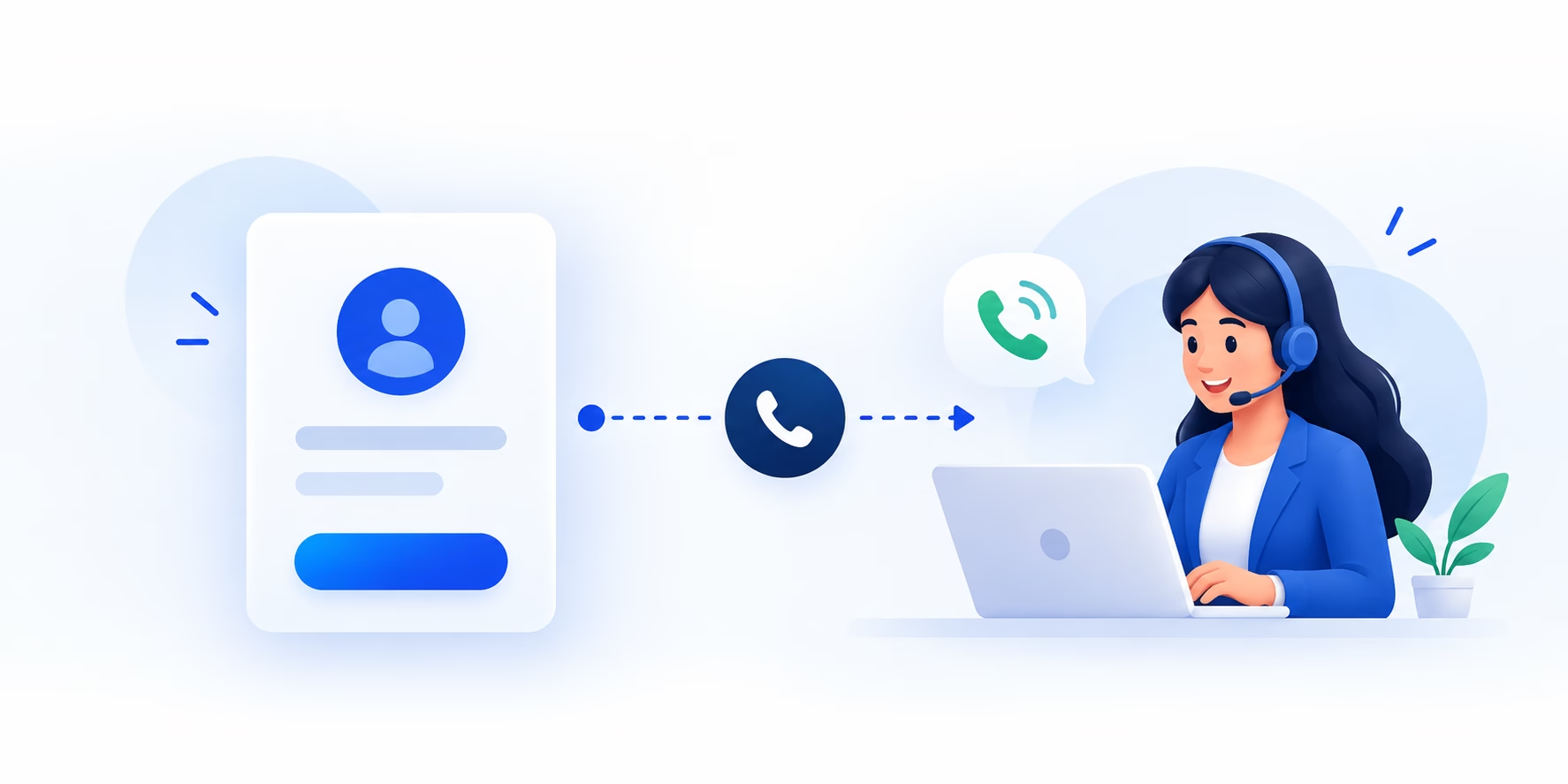
Click-to-call is a widget, button or link — placed on a website, mobile app, digital ad or online listing — that lets a visitor connect instantly to your sales or support team with a single tap. Instead of copying a phone number, opening a dialler and typing it in, the visitor taps once and receives a call back within seconds.
Behind that single tap, WOCOM365 bridges the call through the cloud: the visitor's number and your agent's number are both masked with virtual numbers, so neither side sees the other's real contact details. The call is recorded, logged against the page or campaign it came from, and — if you're connected — pushed straight into your CRM as a lead.
For businesses where speed decides whether a lead converts — real estate, e-commerce, healthcare, financial services — that gap between "interested" and "connected" is often the single biggest lever on conversion rate.
From tap to conversation in under two seconds
No apps, no downloads, no manual number entry — just a bridged call over the visitor's normal phone network.
Visitor taps "Call"
The click-to-call button sits on your website, app, ad or listing page, wherever intent is highest.
Cloud bridges the call
WOCOM365 dials a masked virtual number that connects the visitor to an available agent instantly.
Agent receives a normal call
No special app or dashboard required — the agent's phone rings like any other incoming call.
Call is logged & synced
Recording, duration and source page are captured automatically, and pushed to your CRM as a lead.
Everything you need to turn clicks into conversations
Built for teams that need speed on the front end and visibility on the back end.
Instant Bridging
Calls connect in under two seconds on average, with automatic routing to the next available agent.
Number Masking
Virtual numbers keep both the customer's and the agent's real phone numbers private on every call.
Call Recording
Every conversation is recorded and stored, ready for quality checks, training or dispute resolution.
Source-Level Analytics
See exactly which page, ad or campaign drove each call, so you can double down on what actually converts.
Missed Call Alerts
Unanswered calls trigger an instant alert and automatic callback queue, so no lead falls through.
CRM Click-to-Dial
Agents can also call out directly from CRM lead records, with the same masking and logging applied.
Fewer steps between interest and revenue
Every second of delay costs you leads
Studies on lead response time consistently show conversion odds drop sharply once a prospect has to wait, dial manually, or navigate a phone tree. Click-to-call removes every one of those steps, connecting interest to a live agent while it's still fresh.
- No manual dialling or copy-pasting numbers
- Works on mobile and desktop, no app needed
- Placed exactly where buying intent peaks
Trust customers and protect your agents
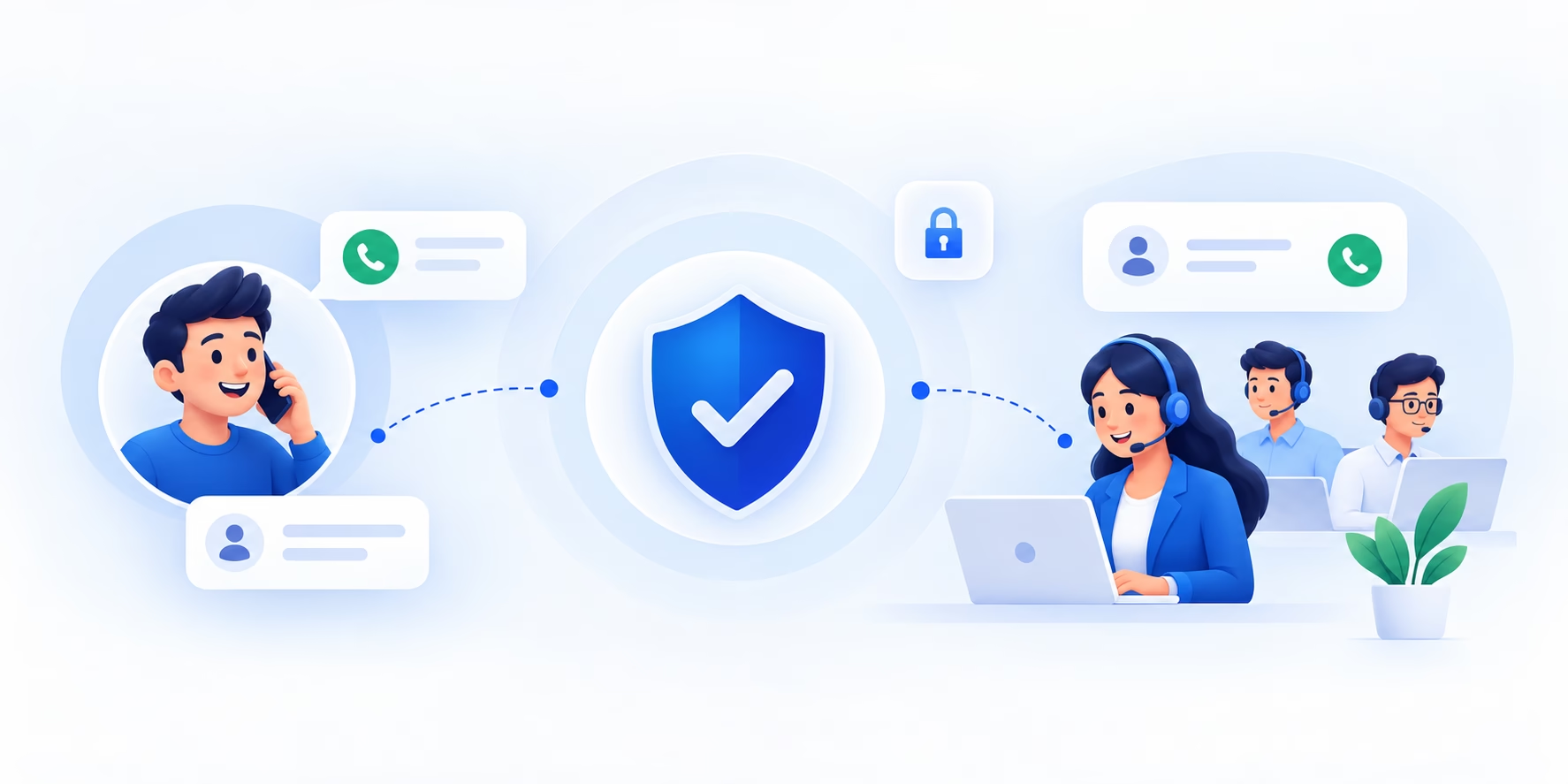
Number masking means customers never see an agent's direct line, and agents never see a customer's raw number — just a virtual number tied to that specific enquiry. That builds confidence for customers wary of spam, and gives your business a clean audit trail for every conversation.
- Virtual numbers on both sides of the call
- Every call logged, recorded and traceable
- Reduces spam and misuse of agent numbers
Click-to-call earns its place wherever a decision is being made
From a property listing to a checkout page, click-to-call captures intent at exactly the moment it's highest.
Real Estate
E-Commerce
Healthcare
BFSI
Education
Works with the tools your team already uses
Click-to-call events flow straight into your CRM and engagement stack, so every conversation becomes a tracked, actionable lead — automatically.
- CRM lead creation & updates
- Call recording synced to lead record
- API & webhook support for custom stacks

Click-to-call, built for scale — not just a button
Plenty of tools can add a call button to a page. Fewer can back it with number masking, recording, analytics and CRM sync at enterprise volume.
| Capability | Basic Call Widgets | WOCOM365 Click-to-Call |
|---|---|---|
| One-tap calling, no app needed | Sometimes | Yes |
| Number masking on both sides | Rarely | Yes |
| Automatic call recording | Limited | Yes |
| Source-level call analytics | Basic | Yes |
| CRM & API integration | Rarely | Yes |
| Enterprise call volume & uptime | Not built for it | 98% uptime |
More clicks turned into real conversations
Real Estate A property portal doubled call-to-lead conversion with click-to-call on listing pages +
Adding a click-to-call button directly on property listing pages removed the friction of copying a number and dialling manually, connecting interested buyers to agents in seconds.
E-Commerce An online retailer cut cart abandonment with a click-to-call support button +
A click-to-call button on the checkout page let hesitant buyers get an instant answer on shipping or sizing questions, without leaving the page or hunting for a support number.
BFSI An NBFC increased loan enquiry conversion with click-to-call on ad landing pages +
Every ad landing page now carries a click-to-call button, routed straight to the right loan product team, with full call recording for compliance review.
What businesses say
"We added the click-to-call button to our top listing pages and saw a jump in genuine buyer calls within the first week — no app, no friction, just a tap."
"Customers hesitating at checkout now just tap and talk to us. It's the single change that moved our conversion numbers the most this year."
"Number masking and full call recording made this an easy yes for our compliance team, and the conversion lift made it an easy yes for growth."
Frequently asked questions
What is click-to-call and how does it work?
Click-to-call is a widget or button placed on a website, app or ad that lets a visitor connect instantly to your sales or support team with a single tap, without dialling a number manually. WOCOM365 bridges the call through the cloud, masking both parties' real numbers for privacy.
Does the customer need to download an app to use click-to-call?
No. WOCOM365 Click-to-Call works directly through the visitor's regular phone network — they tap the button and receive a normal call back, with no app install or Wi-Fi/data connection required.
Is the customer's phone number visible to my agents?
WOCOM365 uses number masking, so agents see a virtual number rather than the customer's real number, and the customer never sees the agent's direct line. This protects privacy on both sides while keeping the conversation fully trackable.
Can click-to-call calls be recorded and tracked?
Yes. Every click-to-call conversation can be recorded, logged and tagged to the originating page, campaign or ad, giving you full visibility into which sources are driving real conversations, not just clicks.
Can click-to-call be integrated with my CRM?
Yes. WOCOM365 Click-to-Call is API-first and integrates with CRMs such as Salesforce and Zoho, so every call automatically creates or updates a lead record with call outcome, duration and recording.
How fast can I add click-to-call to my website?
Most businesses go live within hours using a lightweight embeddable widget or a simple API call, with no changes required to existing website infrastructure.
Ready to turn clicks into conversations?
Talk to a WOCOM365 specialist and see click-to-call live on your own site in minutes.