
Cloud Contact Centre Solution
for Your Business
WOCOM365 Cloud Contact Center runs your entire support and sales operation without a single PBX, server rack or physical phone line — with intelligent call routing, live supervisor monitoring, CRM screen-pop and agent seats that scale up or down on demand.

A contact center with no rack of hardware to maintain
A cloud contact center replaces the on-premise PBX, physical phone lines and dedicated hardware that traditional call centers depend on with a platform that runs entirely over the internet. Agents log into a browser-based desktop from any computer with a headset and a connection, and calls, queues and reporting all live in the cloud rather than in a server room down the hall.
That shift changes more than where the hardware sits. Because there's no physical seat to provision, a team can add ten agents for a festive season spike or scale back down afterward, agents can work from home or a satellite office as easily as a central office, and supervisors can monitor live calls, coach in real time and pull performance reports from the same browser tab, wherever they happen to be.
WOCOM365 Cloud Contact Center brings automatic call distribution, live monitoring, CRM screen-pop and real-time reporting together in one platform, so a support or sales team gets the full capability of a traditional call center without the capital cost or the fixed office that used to come with it.
One platform, every kind of contact center team
Run all three from the same agent desktop, routing rules and reporting dashboard.
Inbound Support Center
Queue and route incoming calls to the best available agent, with ACD, IVR and skill-based routing.
Outbound Sales & Collections
Run predictive dialer campaigns and track agent performance against sales or collections targets.
Remote & Distributed Teams
Manage agents working from different cities or homes in one unified queue, with the same visibility.
From a ringing call to a resolved one, fully in the cloud
No physical extensions to configure, no on-site technician required.
Call arrives & queues
Incoming calls hit the ACD and queue automatically, with IVR options if configured.
Routed to the best agent
Skill, priority, language and workload rules decide which available agent gets the call.
Agent handles with context
The browser-based desktop screen-pops the customer's CRM record as the call connects.
Monitored & reported
Supervisors watch live, and every call feeds into real-time and historical dashboards.
Everything a modern contact center team runs on
Browser-Based Agent Desktop
Agents take and make calls from any computer, with no dedicated telephony hardware required.
Automatic Call Distribution
Route calls by skill, priority or workload, instead of manual transfers or simple round-robin.
Live Call Monitoring
Listen, whisper coaching privately, or barge into a live call directly from the supervisor console.
Real-Time Dashboards
Track queue depth, wait time, SLA and agent status live, alongside historical reporting.
CRM Screen-Pop Integration
Surface the caller's full record automatically the moment a call connects to an agent.
Elastic Seat Scaling
Add or remove agent licenses on demand for seasonal peaks or new campaigns, in minutes.
A real contact center, without the capital cost of one
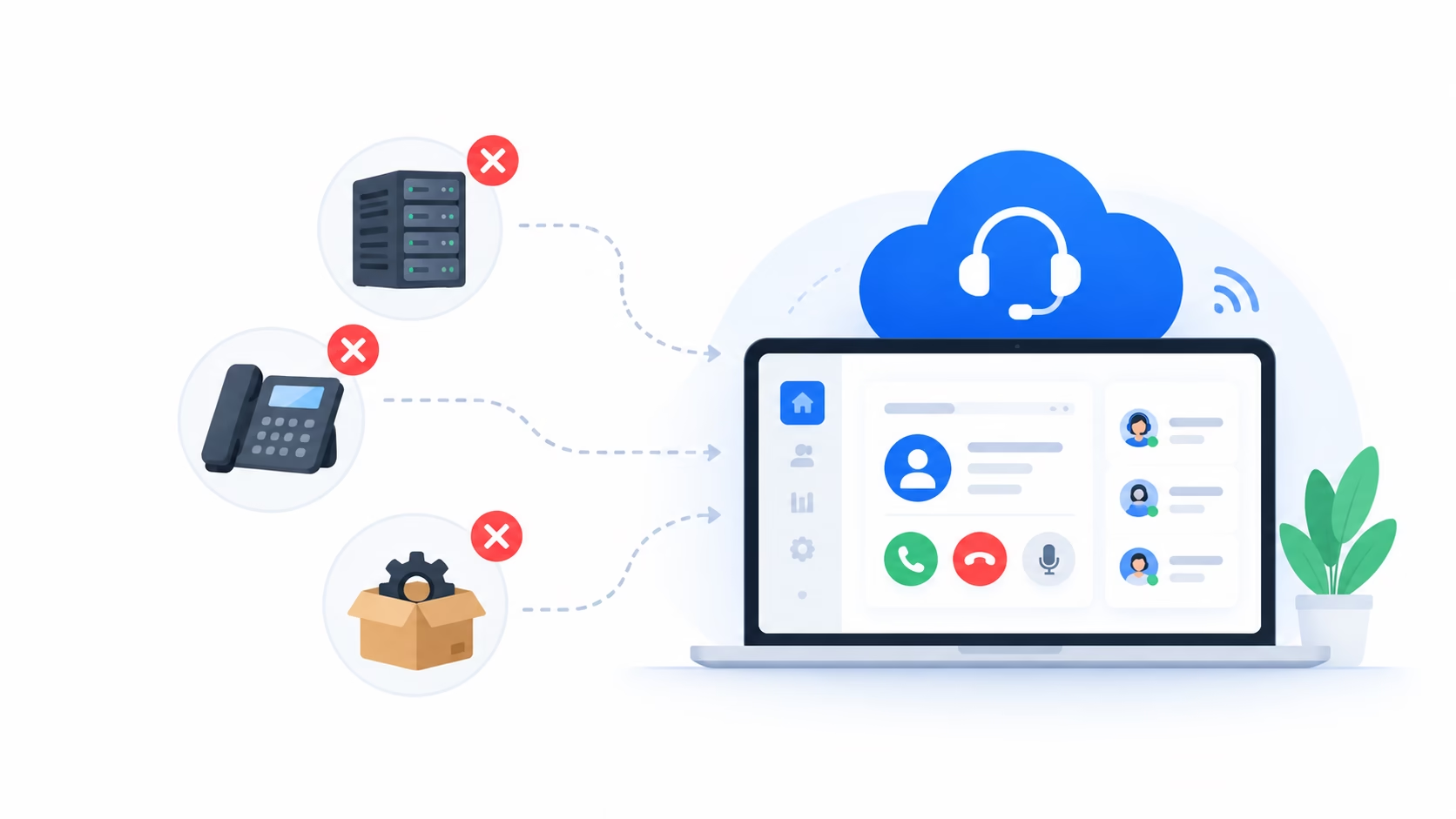
Skip the server room, the PBX and the procurement cycle
Standing up a traditional call center used to mean buying and maintaining a PBX, running physical phone lines, and dedicating office space to house it all. A cloud contact center replaces every part of that with software, so launching or expanding a team is a licensing decision, not a construction project.
- No PBX, server rack or dedicated phone lines
- New agents onboard with just a browser and headset
- No hardware maintenance or replacement cycle
Agents anywhere, one unified queue everyone shares
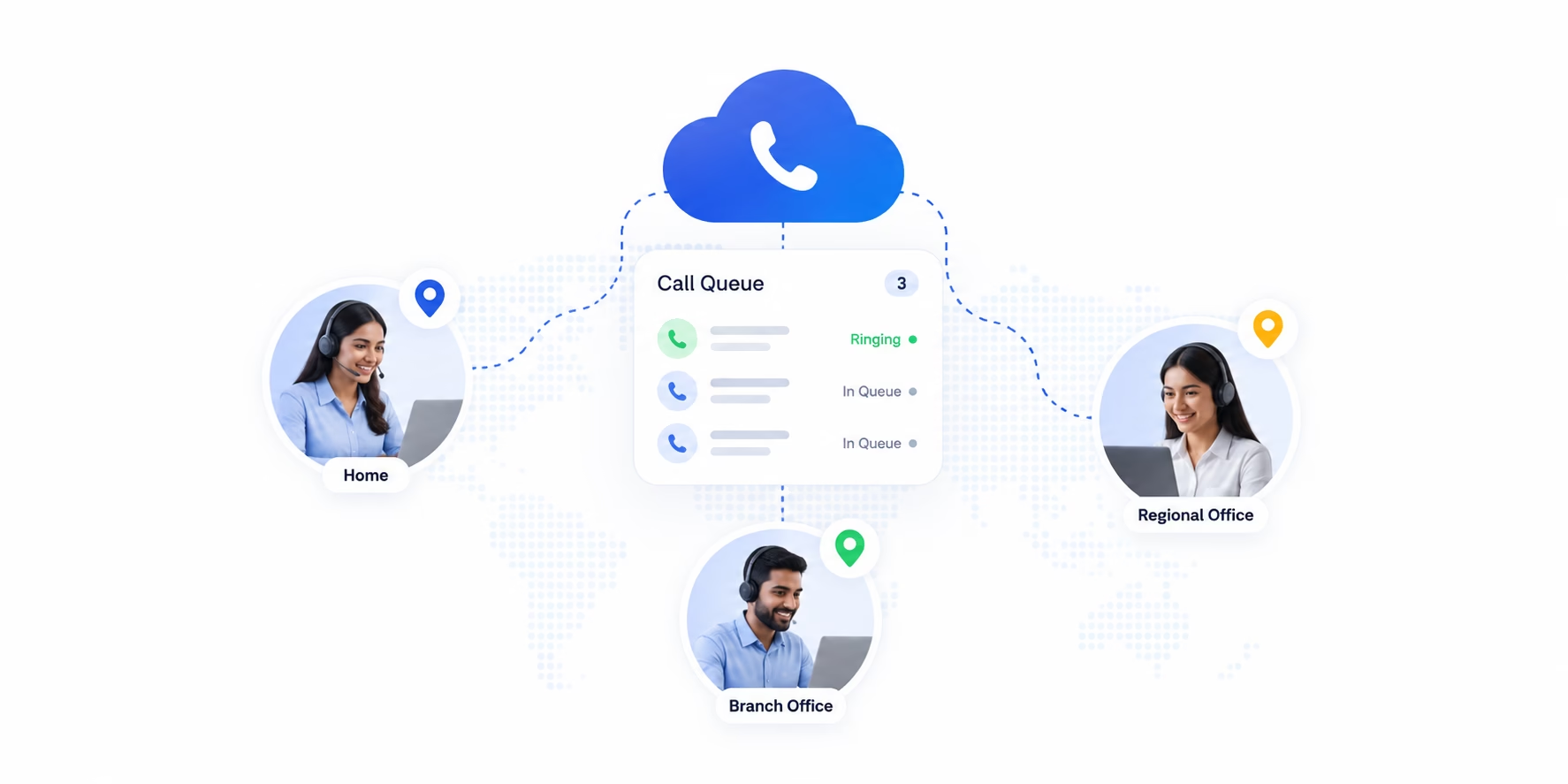
Because the entire platform lives in a browser, an agent working from a home office is just as connected to the queue, the reporting and the supervisor's view as one sitting in a central office. Teams can be distributed across cities without splintering into separate, harder-to-manage operations.
- One shared queue regardless of where agents sit
- Full supervisor visibility across every location
- Hire from anywhere, not just around one office
Anywhere calls need to be queued, routed and reported on
From a banking helpline to a delivery support desk, cloud contact center is the operational layer behind the phone line.
BFSI
E-Commerce
Healthcare
Logistics
Real Estate
Works with the tools your team already uses
Every call and outcome syncs automatically into your CRM, alongside the rest of your customer data.
- CRM screen-pop & automatic call logging
- Recordings synced to customer records
- API & webhook support for custom stacks

Built to run a contact center, not just answer calls
Beyond routing and monitoring, this is the operational layer serious contact center teams need.
Omnichannel Queue
Blend voice, chat and email into a single queue that agents work from one desktop.
Workforce Management & Scheduling
Forecast volume and build agent schedules that match expected demand automatically.
Quality Management & Call Scoring
Score recorded calls against a quality rubric and track agent improvement over time.
Disaster Recovery & Redundancy
Automatic failover keeps queues and calls running even during infrastructure disruptions.
Remote Agent Security Controls
Enforce access policies and monitoring for agents working outside a central office.
API & Webhook for Custom Workflows
Trigger and extend contact center events from your own systems and internal tools.
Contact centers that scaled without the scramble
BFSI A bank scaled from 60 to 200 agent seats for tax season in under a week +
Seasonal call volume spikes now get matched with temporary agent seats added and removed in minutes, with no hardware procurement or physical desk setup required.
E-Commerce A retailer ran its entire support team remotely during peak season +
A fully distributed team across multiple cities worked from one shared queue with full supervisor visibility, handling record order volumes without a central office.
Healthcare A hospital network improved call quality with live monitoring and coaching +
Supervisors now whisper-coach new front-desk agents in real time during live calls, and review scored recordings weekly, lifting first-call resolution across the team.
What businesses say
"We tripled agent seats for tax season in days, not months. That flexibility alone justified moving off our old on-premise system."
"Our support team worked from five different cities during peak season, and it felt like one team the entire time."
"Live coaching during real calls has cut our new-agent ramp-up time significantly. Supervisors can actually be present, everywhere at once."
Frequently asked questions
What is a cloud contact center and how is it different from a traditional call center?
A cloud contact center runs entirely over the internet through a browser-based agent desktop, with no on-premise PBX, physical phone lines or hardware to install. A traditional call center relies on local telephony equipment tied to a single office location, which a cloud contact center replaces with software any agent can access from anywhere.
Do agents need any special hardware to work in a cloud contact center?
No. Agents can take and make calls from a standard computer with a headset and an internet connection, using a browser-based desktop, without installing any dedicated telephony hardware.
Can agents work remotely in a cloud contact center?
Yes. Since the entire platform runs through a browser, agents can log in and handle calls from home, a satellite office or anywhere with a stable internet connection, with supervisors retaining the same monitoring and reporting visibility as an in-office team.
How does automatic call distribution (ACD) work?
ACD automatically routes incoming calls to the most appropriate available agent based on rules you define, such as skill, language, priority or workload, rather than relying on manual transfers or a simple round-robin queue.
Can supervisors monitor live calls in a cloud contact center?
Yes. Supervisors can listen in on live calls, whisper coaching to an agent without the customer hearing, or barge in directly when a call needs escalation, all from the same browser-based dashboard used for reporting.
Can I scale the number of agent seats up or down quickly?
Yes. Because there's no hardware tied to each seat, you can add or remove agent licenses on demand to handle seasonal peaks, new campaigns or team growth, without procurement delays.
Ready to run your contact center without the hardware?
Talk to a WOCOM365 specialist and get your cloud contact center live with your first agents this week.